
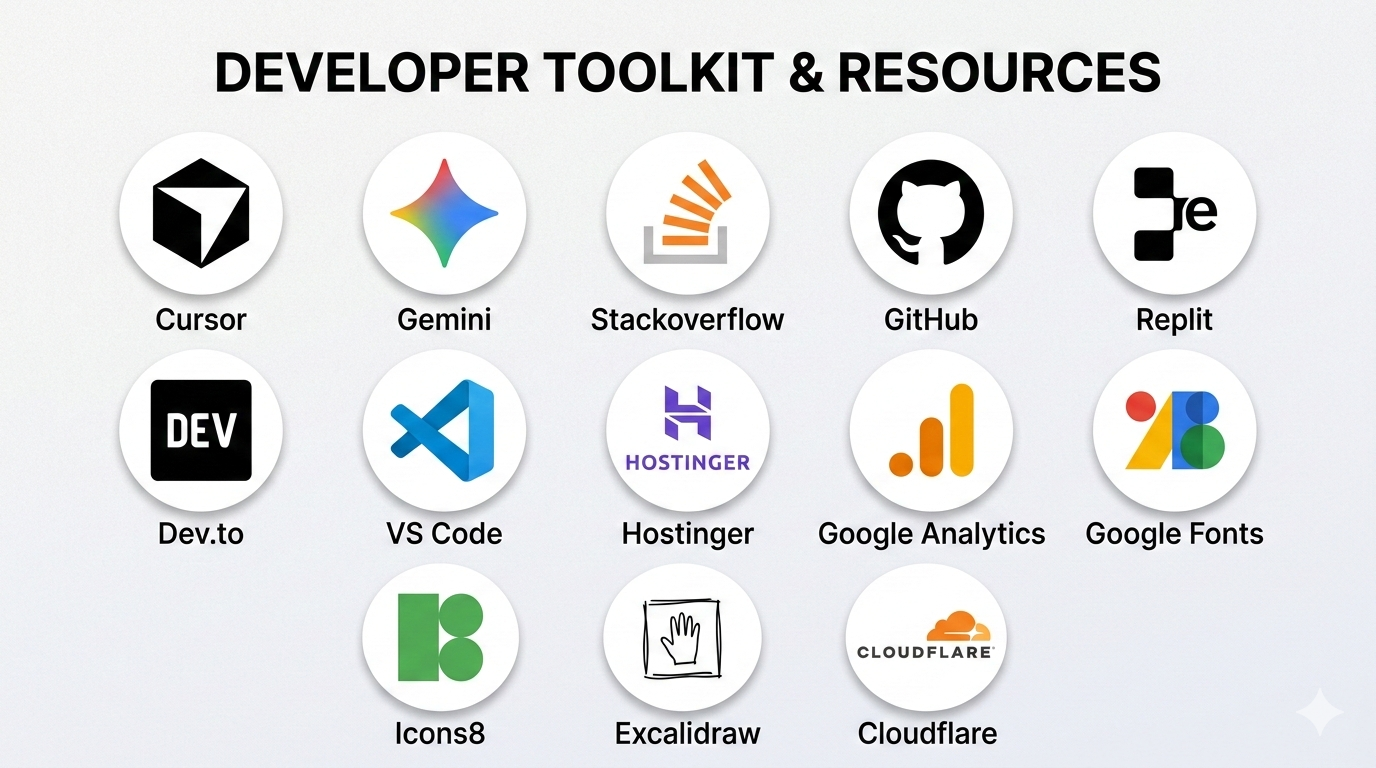
Over time, every serious developer builds their own real toolkit. Not the kind of toolkit that just looks cool when you say the names out loud, but the kind that genuinely helps you think better, build faster, fix problems quicker, and ship stronger products. That is how I look at tools. For me, they are not just apps I open during the day. They are part of how I think, how I solve, how I experiment, and how I move from an idea in my head to something real that actually works.
I do not like using tools just because they are trending. I like tools that remove friction. I like tools that make me faster without making me lazy. I like tools that support creativity, logic, debugging, product thinking, and shipping. My workflow is not limited to just coding. It includes designing, planning, researching, testing, deploying, optimizing, and improving. That is why my stack is not a basic web developer stack. It is more of a builder stack. A software developer stack. A product maker stack.
Cursor and VS Code Are Where Most Things Begin
A huge part of my day starts inside the editor. VS Code has been one of those tools that just feels natural to work in. It is lightweight, flexible, and works well for the kind of development I do. Whether I am building frontend, backend, full stack products, APIs, dashboards, landing pages, or experiments, it gives me an environment where I can stay focused and move quickly.
Cursor adds another layer to that workflow. I do not see it as some magical replacement for thinking. I see it as leverage. It helps me move faster when I am exploring code, refactoring, debugging, generating rough structure, or validating an approach. What I like is not just that it can assist with code, but that it can speed up the boring parts and let me spend more energy on the parts that actually need judgment.
That balance matters a lot to me. I do not want AI to think for me. I want it to reduce friction for me. Cursor works well in that sense because I can stay inside the building flow while getting help where it actually makes sense.
Gemini and AI Tools Help Me Think Faster
Gemini and other AI tools are now a real part of my daily workflow. I use them for brainstorming, research support, alternative approaches, code understanding, content structuring, quick explanations, and sometimes even to challenge my own thinking. I think a lot of people either overtrust AI or completely reject it. I am in neither group. I use it as a tool. A powerful one, yes, but still a tool.
The real value for me is speed and perspective. Sometimes I already know what I want to build but I want a faster path to structure it. Sometimes I want multiple ways to approach a problem. Sometimes I want help reducing repetitive work. AI helps a lot there. But the final call still needs to be mine. I still want my own judgment in the process, because building good software is more than just producing output.
That is why AI tools fit my workflow so well. They do not replace the builder. They upgrade the builder when used correctly.
GitHub Is More Than Just Version Control
GitHub is easily one of the most important tools in my workflow. On the surface, people think of it as just a place to store code, but for me it is much more than that. It is where projects live, evolve, get organized, and become real. Repositories, commits, branches, pull requests, issues, release flow, collaboration, backup, all of that matters.
I like GitHub because it gives structure to development. It helps me track progress, manage changes, and keep projects in a state where they can keep growing. It also becomes part of identity as a developer. Your GitHub reflects how you build, what you build, how consistently you build, and how seriously you take your work.
When I am working on products, ideas, prototypes, or experiments, GitHub is one of those tools that quietly holds the whole process together. It is not flashy, but it is foundational.
Stack Overflow and Developer Communities Save Time
No matter how good you get, you will still run into weird problems. Strange errors, edge cases, unexpected behavior, conflicts between tools, package issues, deployment issues, browser issues, environment issues, all of it. That is where Stack Overflow and developer communities become useful. They save time. A lot of time.
What I like is not just the answers themselves, but the pattern recognition you build over time. You start seeing how other developers think. You see how problems are broken down. You learn how to search better, ask better questions, and debug more calmly. That skill is underrated.
And beyond Stack Overflow, I also value developer communities, docs, forums, dev articles, and places where real builders share actual solutions. Sometimes one small answer from another developer can save hours of frustration. That is why I never see learning as a solo thing only. Good developers know how to use the collective knowledge of the internet properly.
Replit Is Great for Quick Experiments
Replit is one of those tools I like when I want to test something quickly, try a concept, run small experiments, or just move without too much setup. Sometimes you do not want the full local setup process for every tiny idea. Sometimes you just want to get into the logic fast. That is where tools like Replit become useful.
I think every developer needs some tools in their workflow that are good for fast execution and fast experimentation. Not every idea deserves a heavy setup in the first five minutes. Some ideas need room to breathe first. Replit fits nicely into that side of development for me.
Excalidraw Helps Me Think Before I Build
A lot of good software work happens before the code even starts. That is something many people overlook. Excalidraw is one of my favorite tools for that stage. When I need to think through product flow, system structure, feature relationships, screen ideas, backend logic, or user journey, drawing it out helps a lot.
Sometimes a rough visual is better than a hundred lines of explanation. Excalidraw helps me map things in a way that feels quick and natural. No pressure, no perfection, just raw thinking. I can outline a product flow, break down features, sketch architecture, or explain an idea to myself before I start implementing anything.
That matters because clear thinking leads to cleaner building. A lot of messy development starts from messy planning. So tools that help me think visually are a real part of my software workflow too.
Google Fonts, Icons8, and Visual Resources Matter Too
I do not separate software from design as much as some people do. The way a product looks and feels matters a lot. So tools like Google Fonts and Icons8 are not just decorative things in my workflow. They actually shape the product experience. Typography changes personality. Icons change clarity. Small visual choices can make a product feel cheap, clean, modern, premium, playful, or serious.
Google Fonts gives a huge advantage because it lets me quickly explore typography that fits the brand and product feel I want. Icons8 is useful because icons are part of communication. A good icon system can improve usability, hierarchy, and rhythm in an interface. I care a lot about product feel, so these kinds of tools matter much more than people think.
When I build something, I do not just want it to work. I want it to feel intentional. That is why visual resources are part of my toolkit too.
Hostinger, Cloudflare, and Deployment Infrastructure
Once software is built, it needs to live somewhere properly. That is where hosting and infrastructure tools come in. Hostinger is useful for domains, hosting related management, and getting projects online in a practical way. I like tools that reduce the friction between building and publishing because that gap can slow momentum a lot.
Cloudflare is another tool I really respect because it touches the serious side of being online. Performance, DNS, protection, caching, reliability, edge handling, all of that becomes important when you are not just coding for fun but actually putting products out into the real world. Good infrastructure tools give confidence. They make the product feel more stable and ready.
A lot of people talk about software development only from the coding side, but real development includes the delivery side too. Domain setup, speed, security, accessibility, protection, uptime, those are all part of the builder mindset as well.
Google Analytics Helps Me Understand Real Usage
One thing I care about a lot is not just building products, but understanding how people actually use them. That is where Google Analytics becomes important. Once something is live, I want feedback from reality, not just assumptions. I want to know what people are clicking, where they are landing, what they are ignoring, where they are dropping off, and what is actually performing.
That kind of data matters because building without feedback can become guesswork very quickly. Analytics gives another layer of product intelligence. It helps me understand whether the product is communicating well, whether the user journey is smooth, and whether the thing I built is actually doing what I thought it would do.
For me, software development is not finished when the code works. It also includes observing, learning, improving, and optimizing. Analytics plays a real role there.
The Smaller Tools Matter More Than People Think
There are also many other tools that may not always get the spotlight but still matter a lot in the real daily workflow. Browser dev tools. Git. Markdown editors. Screenshot tools. API testing tools. Terminal workflows. File comparison tools. Documentation platforms. Color tools. Image optimization tools. Conversion tools. Even the small utility websites developers use daily can save real time.
I think mature development is partly about building your own ecosystem of useful tools. Not just one stack, but a working environment where every tool has a reason to be there. Some help you code. Some help you debug. Some help you think. Some help you ship. Some help you understand users. Some help you design better. Put together, they make you much more effective.
That is why I never describe myself as just a basic web developer. The way I work is much wider than that. I care about the full cycle of software creation. Idea, structure, design, logic, testing, deployment, analytics, refinement, all of it. So naturally, my tools reflect that. They are not just coding tools. They are building tools.
At the end of the day, the tools I use daily are the ones that help me think clearly, build seriously, and move with speed without losing quality. That is what matters to me the most. Not collecting tool names for the sake of it, but having a real workflow that helps me turn ambition into actual software.